Emergency contacts
Make the people who should be contacted easier to identify when time and context are limited.
Prepare for the unexpected
Thin, flexible QR stickers that give another person a direct way to access the emergency information you choose to make available.
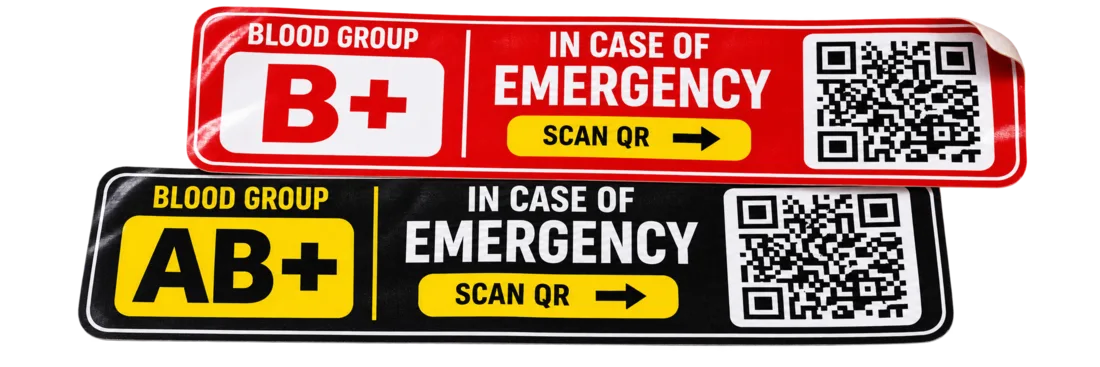
Small format, clear purpose
Emergency Tags are a simple physical access point to essential information—without adding another powered device.
Make the people who should be contacted easier to identify when time and context are limited.
Present the health information you choose to make available for an emergency situation.
Keep a critical identity detail immediately accessible from the tag's emergency profile.
A familiar scan interaction gives a helper a direct route to the information connected to the tag.
The sticker format avoids the bulk of a hard-shelled accessory and can live on the gear you already carry.
The tag exists for access in the moment, complementing the App and the rest of the TripQube safety ecosystem.
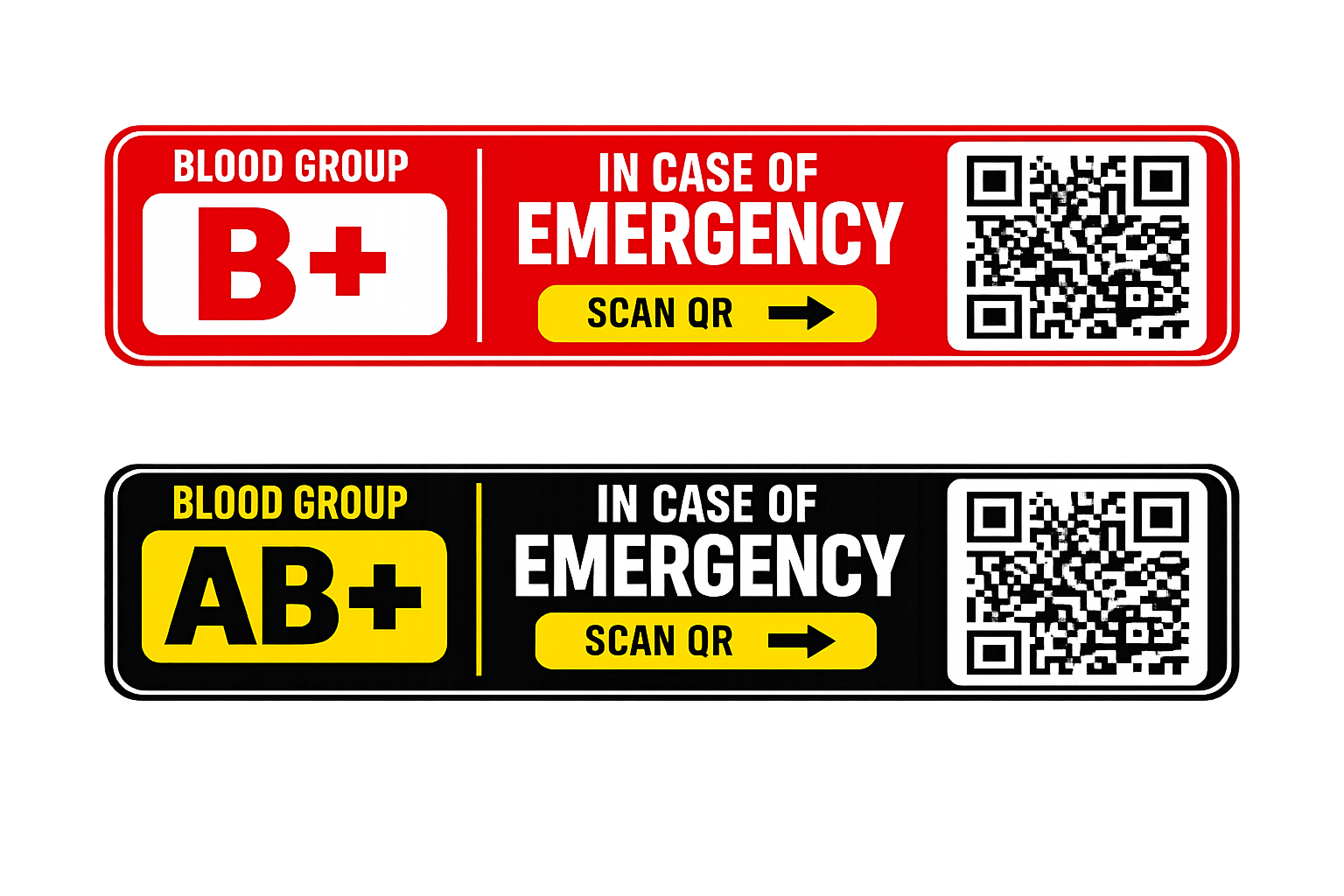
Immediately recognisable
High-contrast blood-group labels, a visible emergency message and a QR code make the purpose of the tag clear to someone encountering it for the first time.
Visible on your gear
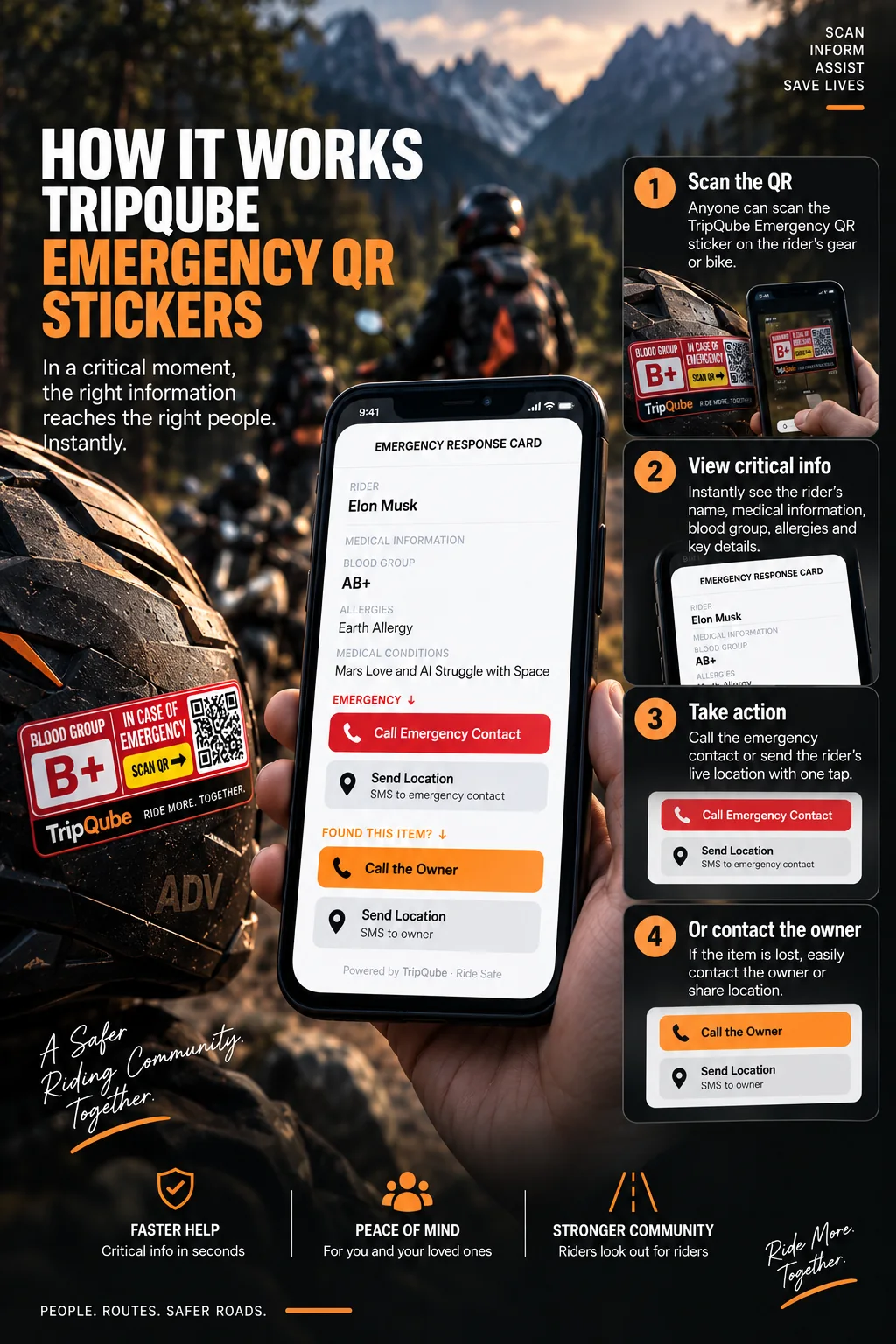
Applied to a helmet or other appropriate equipment, the high-contrast Emergency Tag is easy to notice and clearly invites a scan.
The sticker stays physical and simple while the connected emergency profile carries the information you choose to make available.
A sticker, not a device
Emergency Tags are intentionally simple. There is no screen, battery or hard shell—just a durable visual access point to the emergency profile behind the QR code.
Place the tag where another person is likely to see it when help is needed, following the product's application guidance.
Part of TripQube
The App supports the journey; Emergency Tags make selected information accessible to another person when the rider may not be able to open it.
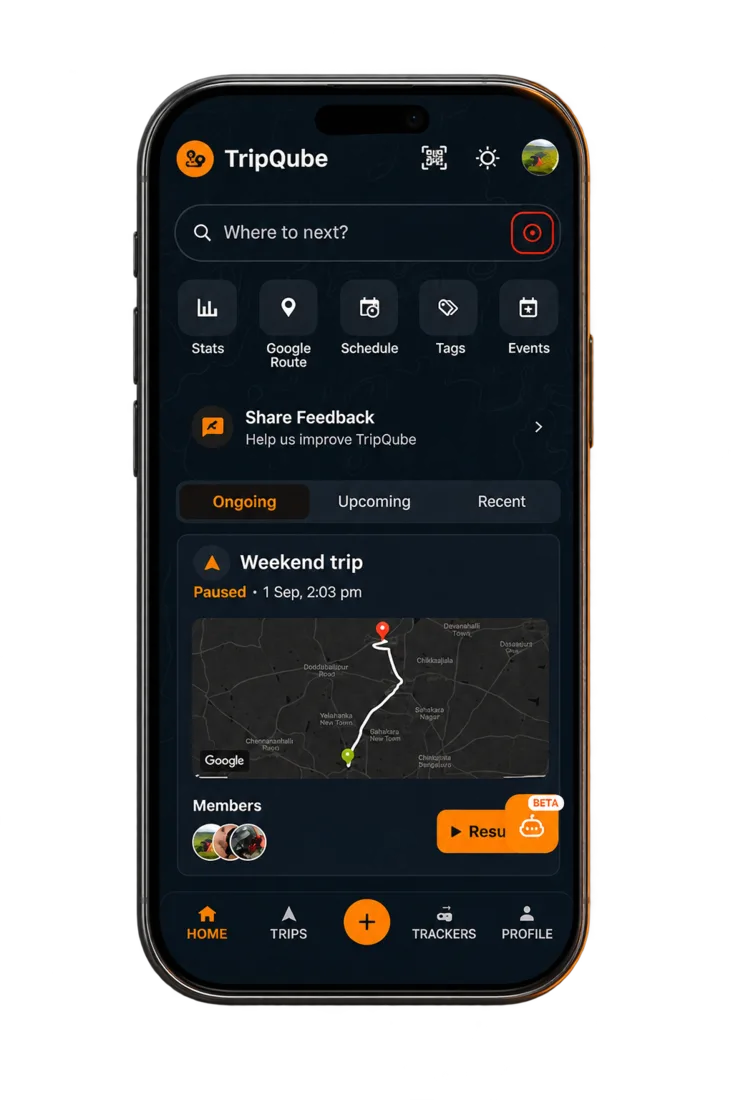 TripQube ecosystemEmergency access point
The Emergency Tag extends the preparation side of the ecosystem into the physical world. It complements navigation and vehicle tracking with a simple way for a helper to reach critical information.
Three steps
Choose the emergency details that should be available through your tag.
Place the tag on appropriate gear or equipment where it can be noticed.
A helper scans the QR code to reach the connected emergency information.
Questions
No. They are thin, flexible stickers rather than a separate electronic device.
The product section highlights emergency contacts, medical information and blood group details.
The tag itself is a printed QR access point and does not use a display or battery.
Add a simple physical safety layer to the TripQube ecosystem.